What Is Digital Decluttering? Step by Step Guide
Introduction
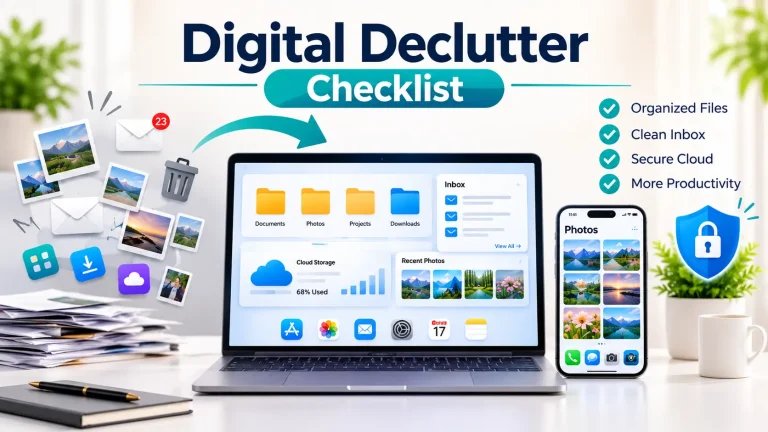
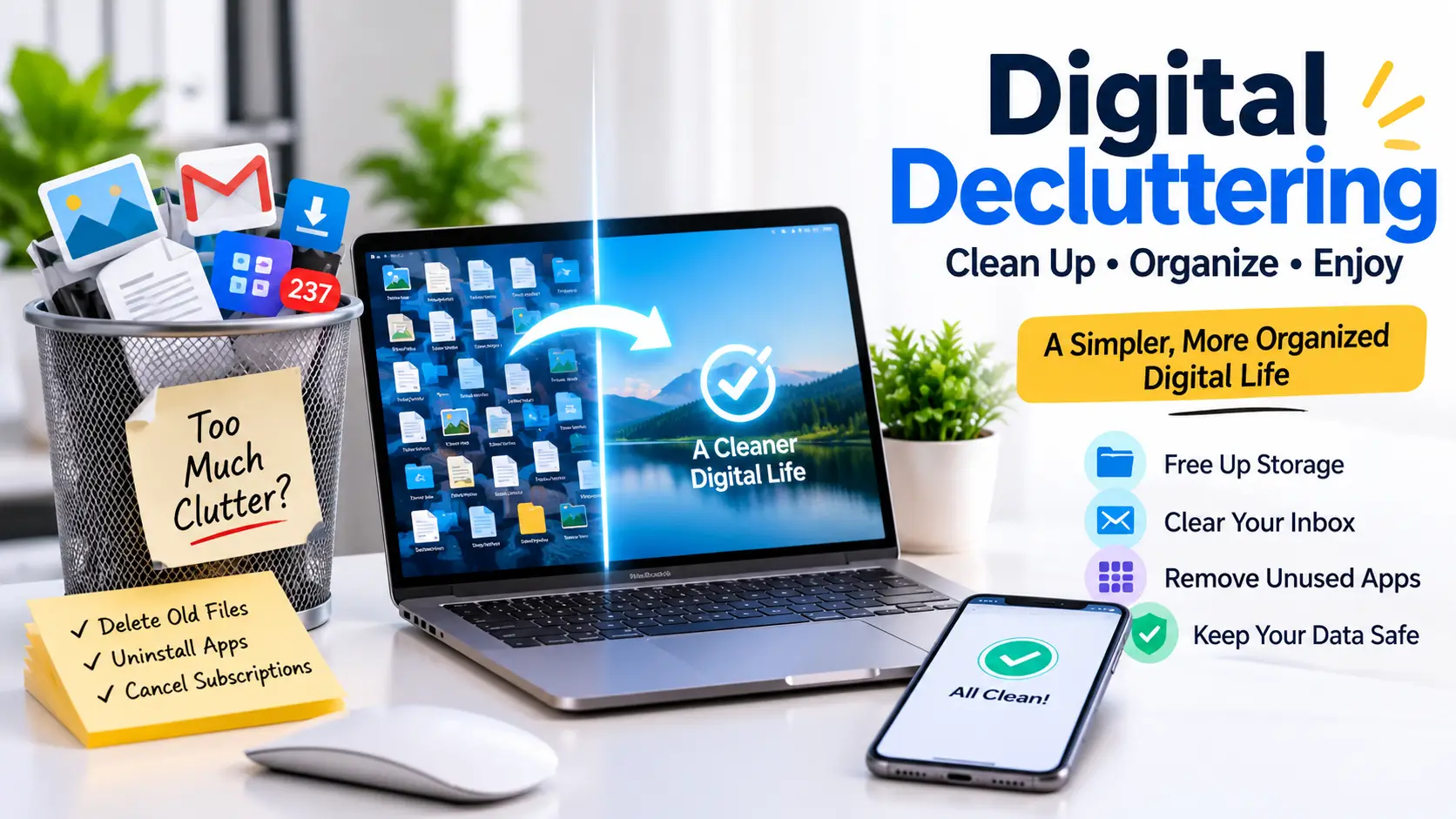
Digital decluttering is about clearing out files, apps, emails, and other items you no longer need. Phones and computers often build up old downloads, duplicate photos, unused apps, and forgotten files over time.
When too much clutter builds up, finding a specific file or managing storage can become frustrating. You can remove unnecessary items to make more space for useful files and make them easier to find.
Why Is Digital Decluttering Important?
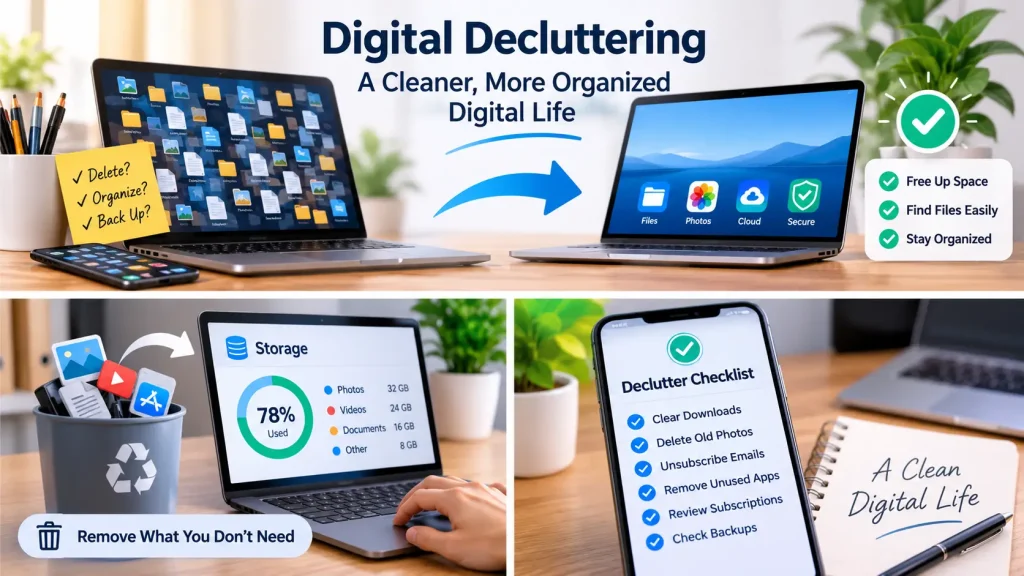
When your devices are full of old files and apps, even simple tasks can take longer. You can clean up your digital space, which can help you:
- Find the files you need without searching through old folders.
- Make room for photos, documents, and other useful items.
- Remove apps and alerts that distract you.
- Spot subscriptions you’re still paying for but rarely use.
- Check whether your important files have backups.
Cleaning up your digital space does not always speed up your devices or keep your accounts safe. It does, however, make it easier to keep track of your files, apps, and online services.
Signs You Need to Declutter Your Digital Life
A messy digital space is not always easy to notice at first. You might start spending more time looking for files, deleting things to free up space, or scrolling through apps you hardly use. Here are a few signs that your digital life needs some cleanup:
- Your phone keeps warning you that storage is almost full.
- The same photos or documents appear in several places.
- You find old downloads but can’t remember what they’re for.
- Promotional emails and app alerts fill up your inbox.
- Your device has apps you haven’t opened in months.
- You still pay for subscriptions you rarely use.
- Your cloud storage is full of files with unclear names.
- Finding one photo or document takes longer than it should.
If you notice a few of these problems, start with the one that bothers you most. You can sort out your phone, email, and online accounts one at a time instead of tackling everything in a single day.
How to Declutter Your Digital Life
Cleaning up your digital space does not have to happen in one day. You can pick one thing to work on, finish it, and then move on to the next.
Remove Unnecessary Files
First of all, open your Downloads folder and look through old documents, screenshots, and saved files. You can delete what you no longer need, but check each file first so you do not lose anything important.
Clean Up Photos and Videos
Then, go through your gallery and remove duplicate pictures, blurry shots, and videos you do not want to keep. If your photos sync with cloud storage, check how deletion works before removing anything. A file deleted from one place may also disappear from other synced devices.
Clear Your Email Inbox
You must start by deleting spam and promotional emails you do not need. Also, you can unsubscribe from newsletters you no longer read, too. You should keep receipts, work messages, and other emails you might need in the future.
Remove Unused Apps
Check the apps on your phone or computer. If you have not used one in a long time, consider uninstalling it. You can save any data you may need first, and remember that removing an app does not always stop its monthly payments.
Review Digital Subscriptions
Look through your recent payments for streaming platforms, cloud storage, and paid apps. Cancel services you no longer use. Before changing a storage plan, make sure your existing files won’t be affected.
Check Your Backups
Before deleting important files, make sure you have another copy you can access. Check your backup settings and confirm that the files you need are actually included. Don’t assume every photo or document is saved automatically.
Common Digital Decluttering Mistakes
Rushing through digital decluttering can create new problems. A few things are worth keeping in mind before you start deleting files or changing your settings.
Deleting files without checking them:
An old document or screenshot might still contain information you need. You must open unfamiliar files before deciding to remove them.
Skipping backups:
Your every photo or document is not saved automatically. You can check that you have another copy of important files before deleting the originals.
Doing everything in one go:
Sorting your phone, computer, emails, and cloud storage in one sitting can be tiring. Pick one area and finish it before moving on.
Leaving subscriptions unchecked:
Uninstalling an app would not always stop the payments linked to it. Try to check your subscription settings and cancel any service you no longer want.
Making too many folders:
A complicated folder system can be just as confusing as having no system at all. Keep folders simple and group similar files together.
Assuming one cleanup is enough:
New downloads, emails, and apps will keep coming. A quick check every few weeks can stop them from piling up again.
How Often Should You Declutter Your Digital Life?
There is no single schedule that works for everyone. The right frequency depends on how many devices you use, how often you download files, and how much digital information you manage.
A simple routine can help you stay on top of clutter:
- Weekly: Remove unnecessary screenshots, downloads, and unwanted emails.
- Monthly: Review unused apps, large files, and device storage.
- Every few months: Check subscriptions, cloud storage, and backup arrangements.
- When needed: Review files before changing devices, cancelling storage plans, or removing an app that may contain important information.
These are suggested intervals, not strict rules. If you rarely download files, you may need less frequent cleanup. If you regularly work with large videos or documents, you may need to check storage more often.
The goal is to make digital decluttering a manageable habit rather than a major task that you keep postponing.
How the Digital Life Analyzer Can Help
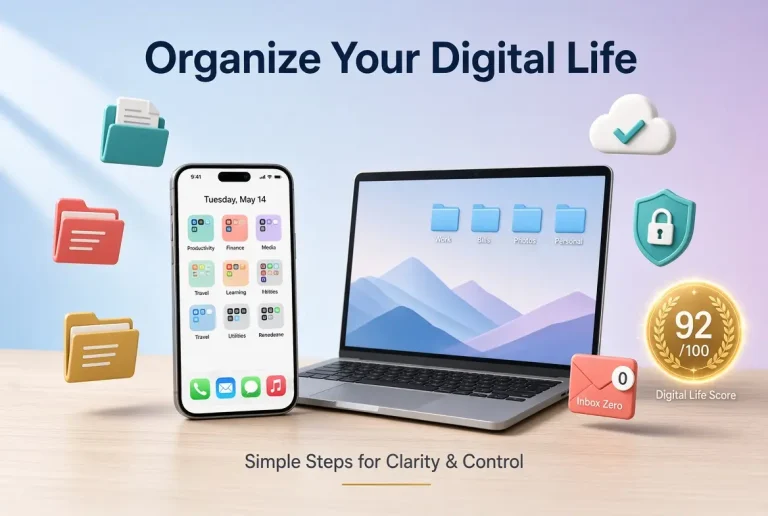
Digital decluttering is one of the parts of managing your digital life. Storage, backups, subscriptions, devices, organization, and security also deserve attention. The Digital Life Analyzer at DigitalLifeScore.com allows you to review these areas using information you provide.
It calculates your Digital Life Score and helps you discover which areas may need improvement. The tool does not directly access your devices, personal files, cloud accounts, or passwords. Its score is a practical review aid, not a security certification or any guarantee.
Frequently Asked Questions
What is digital decluttering?
Digital decluttering means removing unnecessary digital items, such as duplicate photos and old downloads. It also includes deleting unwanted emails and unused apps to keep your digital space organized.
Does digital decluttering free up storage?
Yes, deleting unnecessary files, videos, and downloads can free up device or cloud storage. It always depends on what you want to remove.
Is digital decluttering the same as digital organization?
No. Decluttering means removing digital items that you no longer need or use. Digital organization focuses on arranging the files and information you decide to keep.
How often should I declutter my digital life?
Review small digital items weekly to prevent clutter from building up. You can check your storage, apps, subscriptions, and backups monthly or every few months as needed.
Final Thoughts
A Digital clutter can make it harder to find files, manage storage, and keep track of online services. You can also easily remove unnecessary downloads, photos, emails, and apps. This helps you to maintain a cleaner and more organized digital environment.
Start with one area at a time and check backups before deleting important information. You must review your digital setup regularly to keep everything organized and clutter-free. Small changes can make your digital life easier to manage over time.