What Is a Digital Lifestyle? Meaning, Examples, and Benefits
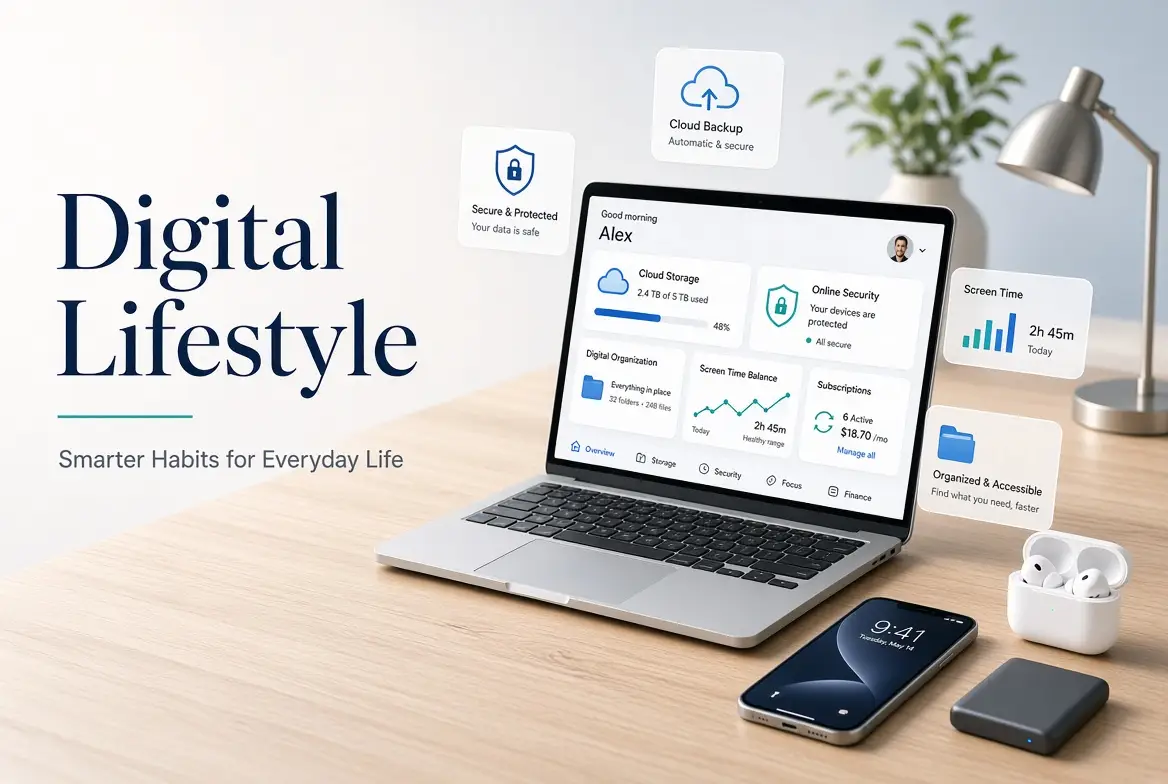
A digital lifestyle is the way people use technology in their daily lives. People rely on digital devices and online services for daily tasks, such as keeping in touch, studying, working, shopping, and saving information. These tools are now part of their everyday routine for many people.
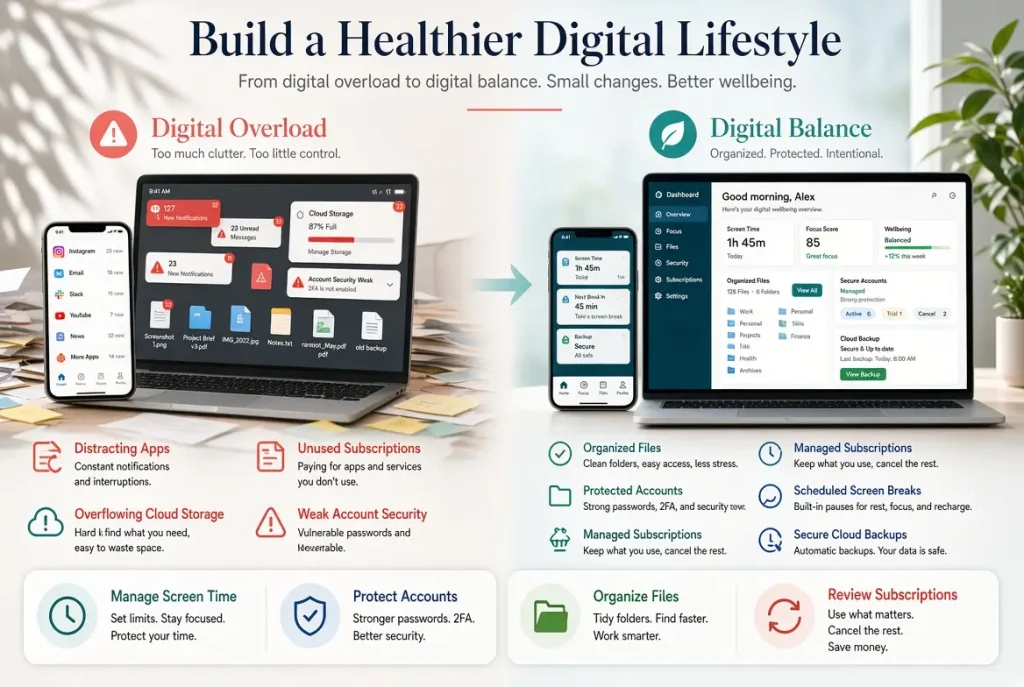
Technology can save time and make some tasks easier, but it can also create problems. Using screens for too long, paying for apps you do not need, misplacing files, and choosing weak passwords can cause problems in your digital life. The key is to use technology in a way that works for you without adding unnecessary stress.
Common Examples of a Digital Lifestyle
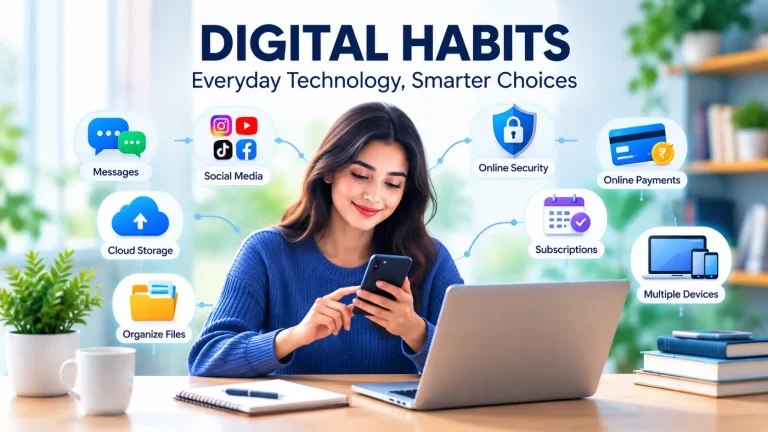
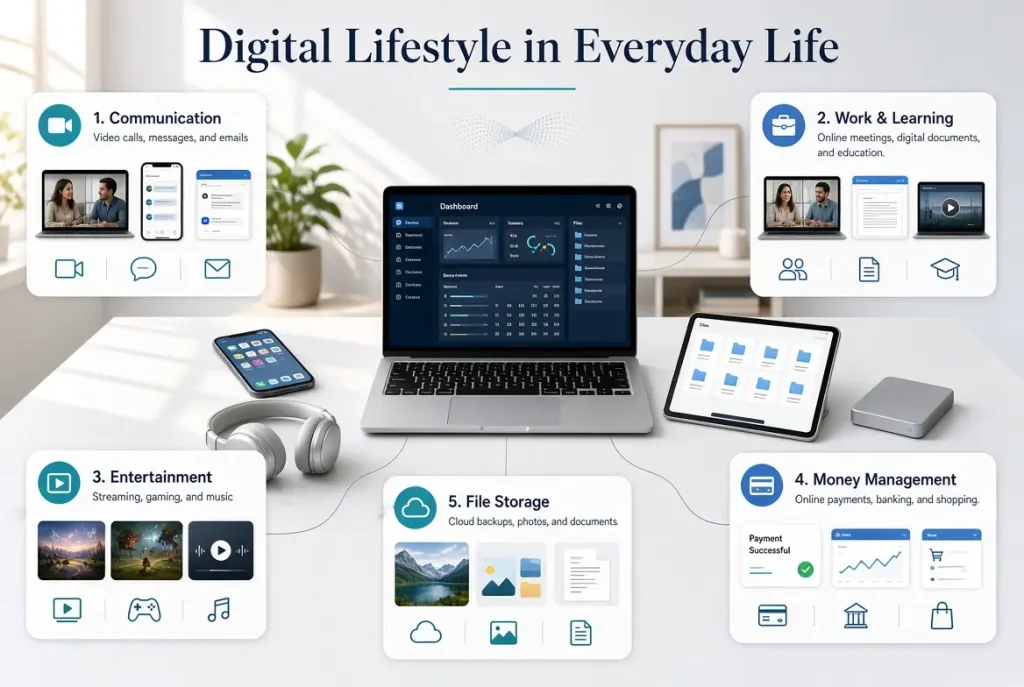
Technology is part of many things people do each day. It helps to know which apps and services you actually use so you don’t end up with unnecessary accounts, scattered files, or subscriptions you no longer need. People use their phones to talk to family, computers to finish work, and apps to pay bills or order food. Here are a few everyday examples:
- Communication: Chatting with friends, replying to emails, or calling family over video.
- Work and learning: Sending assignments, attending online classes, or sharing files with coworkers.
- Entertainment: Playing games, watching a show, or listening to music during free time.
- Money management: Checking a bank balance, paying monthly bills, or buying things online.
- File storage: Keeping photos on a phone, saving documents on a computer, or uploading files to the cloud.
These activities make many daily tasks easier.
Benefits of a Digital Lifestyle
With a phone or computer, people can pay bills, book appointments, and shop without leaving home. Messaging apps and video calls also make it easier to keep in touch with friends and family who live far away. Learning is another area where technology comes in handy. People can take online classes, learn new skills through videos, or find information for their studies.
Many jobs also use digital tools for meetings, sharing files, and working with people in other locations. Saving files online can help you access them more easily. You can access your photos, documents, and important files from other devices without using your main computer. Of course, not every app or service is useful to everyone. Picking tools that suit your daily needs can make technology more helpful and easier to manage.
Challenges of a Digital Lifestyle
Although Technology makes many daily tasks easier, it can also cause problems when its use gets out of hand.
Screen time and distractions:
A quick look at your phone can turn into 20 minutes of scrolling. Constant notifications can disturb your focus while you are working or learning. You can avoid interruptions by turning off unnecessary notifications.
Privacy and security:
Emails, photos, and payment details are often linked to online accounts. If an account has a weak password, your information may be at risk. You can use a different password for each account and turn on two-factor authentication when possible.
Digital clutter:
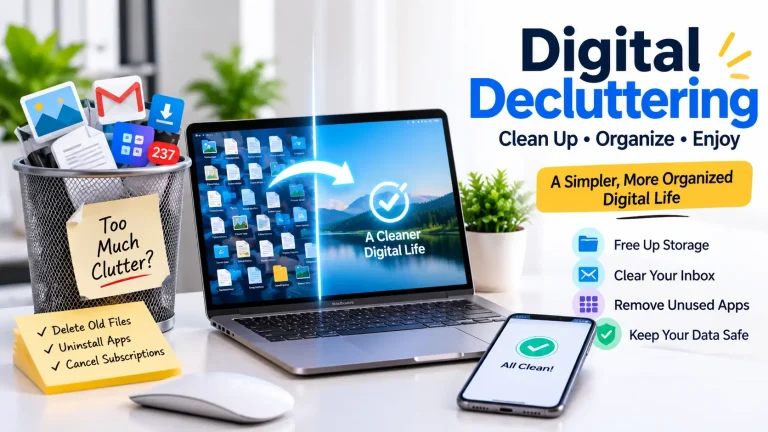
Phones and computers can fill up with old downloads, duplicate pictures, and apps you rarely open. It becomes harder to find an important document when files are saved in different places. Deleting unwanted items and sorting the rest can make a difference.
Unnecessary subscriptions:
It is easy to forget about an app you signed up for months ago. Small monthly charges can add up, especially when you pay for several services. You must go through your payments and end subscriptions that are no longer useful.
Keep Your Digital Files Organized
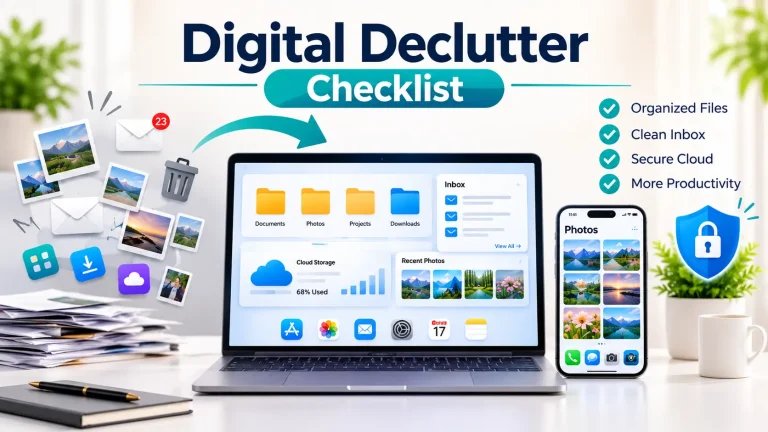
Start with the files you use most. Put work documents in one folder, keep personal photos together, and delete downloads you no longer need. Before deleting files from your device, make sure any important copies are safely backed up if you use cloud storage
A few small changes can make everyday technology easier to manage without giving up the tools you find useful.
How to Maintain a Healthy Digital Lifestyle
You do not have to give up your favorite apps or stop using your devices to improve your digital lifestyle. You must start by looking at your daily routine and changing the things that cause problems.
Set Screen-Time Boundaries
First of all, look at the apps you use daily and the time you spend on each one. If you keep checking your phone while working, put it aside for a while. You can also turn off alerts that are not important and take breaks when you’ve been looking at a screen for too long.
Protect Your Online Accounts
You should use a different, strong password for each account. You can turn on two-factor authentication where it is available, install device updates, and check which permissions your apps have. These checks are worth doing, especially for accounts that contain personal or payment details.
Review Your Digital Services
Look through the apps on your phone and computer. You can uninstall the ones you no longer use and check your subscriptions against your recent payments. You may find a service you’re still paying for even though you rarely open it.
Once a month, take a few minutes to check your files, accounts, and subscriptions. This gives you a chance to deal with small issues before they become harder to manage.
Assess Your Digital Lifestyle
Take a look at how you manage your digital life. Are your files easy to find? Do you have backups of important data? Are you still paying for apps you rarely use? It’s also worth checking whether your online accounts have proper security.
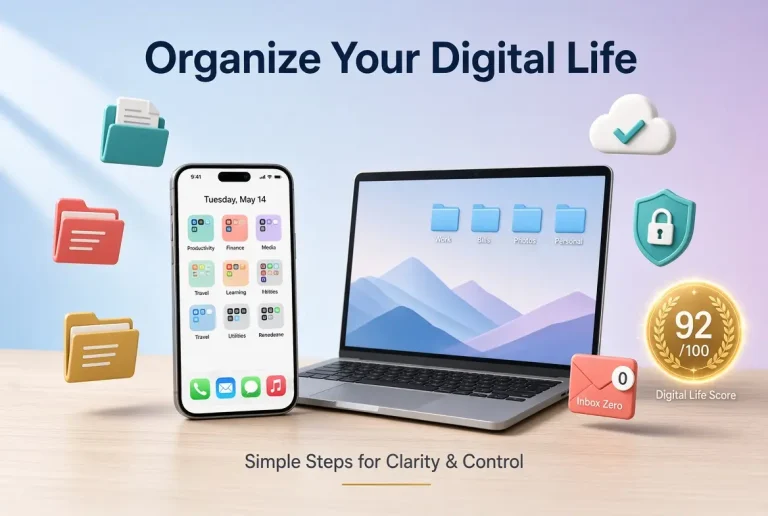
You can use the Digital Life Analyzer at DigitalLifeScore to check your devices, storage, subscriptions, backups, organization, and security habits. Here, you can enter the requested details, and our tool estimates your Digital Life Score, which is based on that information. The results can help you decide what to work on first.
Our tool does not access your devices, personal files, cloud accounts, or passwords. Your score is an estimate based on the details you enter. It is not a security certification and does not guarantee that your devices or accounts are secure.
Frequently Asked Questions
What is a digital lifestyle?
It means how you use technology in daily life, from messaging friends and doing your job to shopping online or watching videos.
How can I improve my digital lifestyle?
You can start with one thing that needs attention. You could turn off distracting alerts, sort out messy folders, cancel an unused subscription, or update your account passwords.
Why is digital security important?
Your online accounts may hold personal details, photos, and payment information. Good security practices make it harder for others to access that information without permission.
Conclusion
A digital lifestyle affects how people communicate, work, learn, and manage everyday tasks. Technology can offer convenience and flexibility, but it also requires attention to screen time, privacy, storage, and subscriptions.
By choosing useful tools and developing simple digital habits, you can make technology easier to manage. Reviewing your setup regularly can help you identify problems and make changes that better fit your daily needs.