How to Organize Your Digital Life
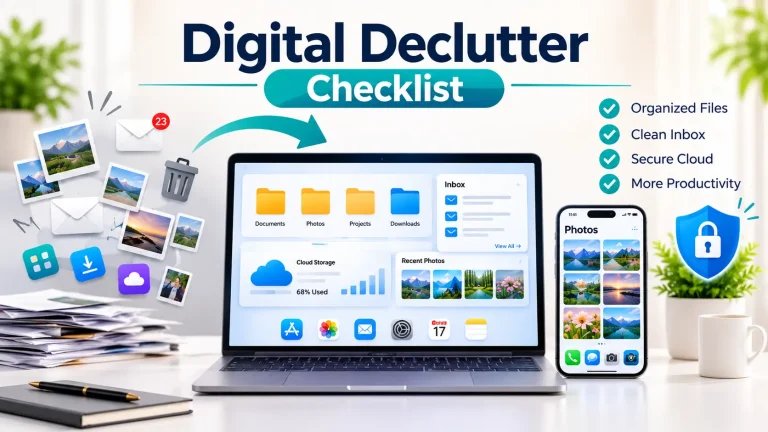
Your phone may be full of old photos, your laptop may have downloads you forgot about, and your inbox may still contain messages from months ago. When everything gets mixed together, finding one important file or message can take longer than it should.
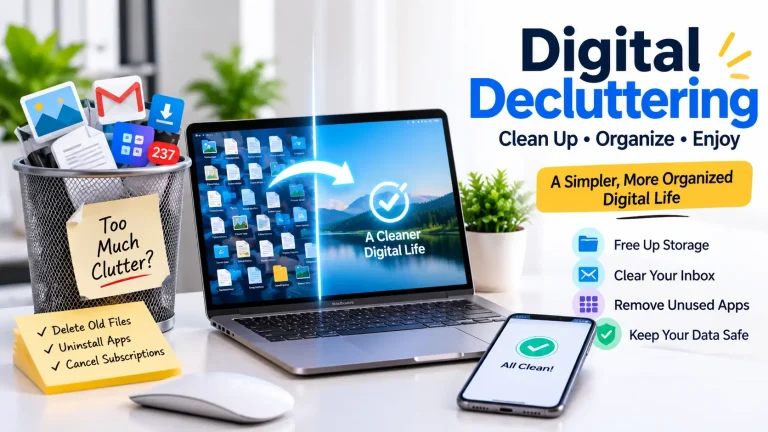
You don’t need to clean up everything in one day. Start with the areas that cause the most trouble. You should choose one small task, such as organizing a folder, deleting unused apps, or updating an account you use frequently. Small changes can make your digital life easier to manage.
What Does Organizing Your Digital Life Involve?
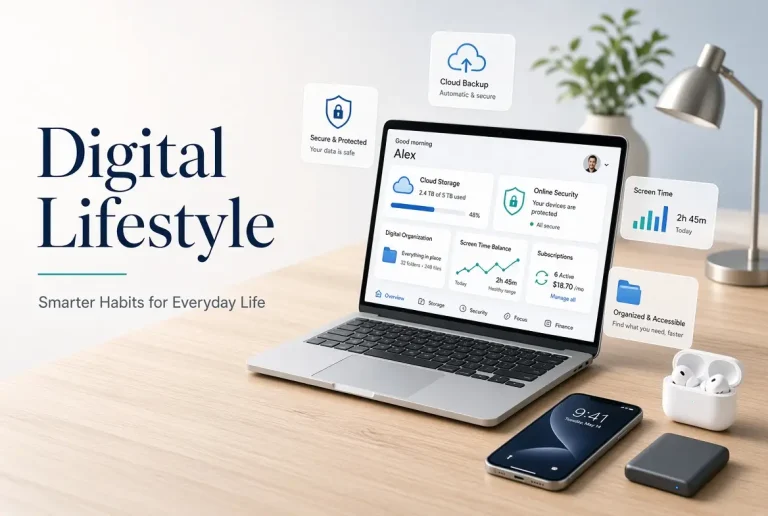
The goal is to Organize Your Digital Life with important information, remove digital clutter, and make routine tasks less complicated. You must manage your phone, save backup copies, review recurring charges, and keep your accounts secure. There are some simple steps that may include organizing work files, deleting apps you rarely use, and making sure your photos are saved to a backup. You must set up a system that meets your needs and keeps daily tasks simple.
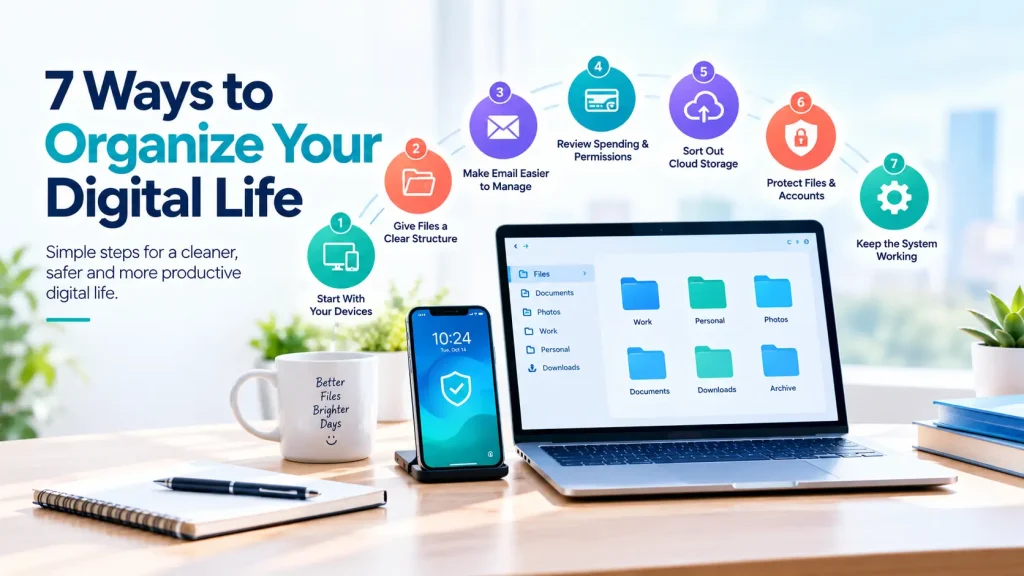
7 Ways to Organize Your Digital Life
1. Start With Your Devices
Begin with the phone or computer you use most often. Old downloads, duplicate files, and apps you no longer open are easy places to start.
- Remove apps you no longer need.
- Delete unwanted screenshots and duplicate downloads.
- Keep frequently used apps within easy reach.
- Check unfamiliar files before deleting them.
- Take your time instead of rushing through the cleanup.
A file that seems unimportant might be a receipt, work document, or personal record you need later.
2. Give Your Files a Clear Structure
If you have to search through several folders to find one document, it may be time to organize your files. You can create folders for things such as work, bills, education, and personal records. Then, give files names that describe their contents rather than keeping the default names. For example, Internet_Bill_October_2026 is easier to recognize than Document.
For photos, delete unwanted duplicates and group important pictures into albums by event, date, or subject. Before removing original files, make sure any backups you need are available.
3. Make Your Email Easier to Manage
You do not need an empty inbox to stay organized. The main thing is being able to find important messages without digging through promotions and old notifications.
Unsubscribe from newsletters you no longer read. Archive messages you want to keep but do not need in your inbox every day. Folders or labels can also help you sort receipts, travel bookings, and account-related emails.
4. Review Spending and App Permissions
You can forget your subscriptions when payments renew automatically. So, you must check your phone’s subscription settings and the billing pages of the services you use. For this, you can note their costs and renewal dates, then cancel anything you no longer need after reviewing the cancellation terms.
Also, review app access settings whenever you check the apps on your phone. If an app does not need access to your contacts, location, camera, or microphone for its main purpose, consider removing that permission.
5. Sort Out Your Cloud Storage
Photos, shared documents, and old backups can take up space across different cloud services. Knowing what you’ve saved in each place makes files easier to locate and helps you decide whether you need extra storage. You can try these checks:
- Review large files and old backups.
- Remove unnecessary copies after confirming the originals are safe.
- Check shared folders for files you no longer need.
- Decide which service to use for different types of information.
You do not have to move everything to one service. A system you can follow is more useful than keeping every file on the same platform.
6. Protect Important Files and Accounts
Organizing your digital life with your devices would not help much if you lose important files or cannot access your accounts. Check your backup settings to see which files are included and when the last backup ran. For account security:
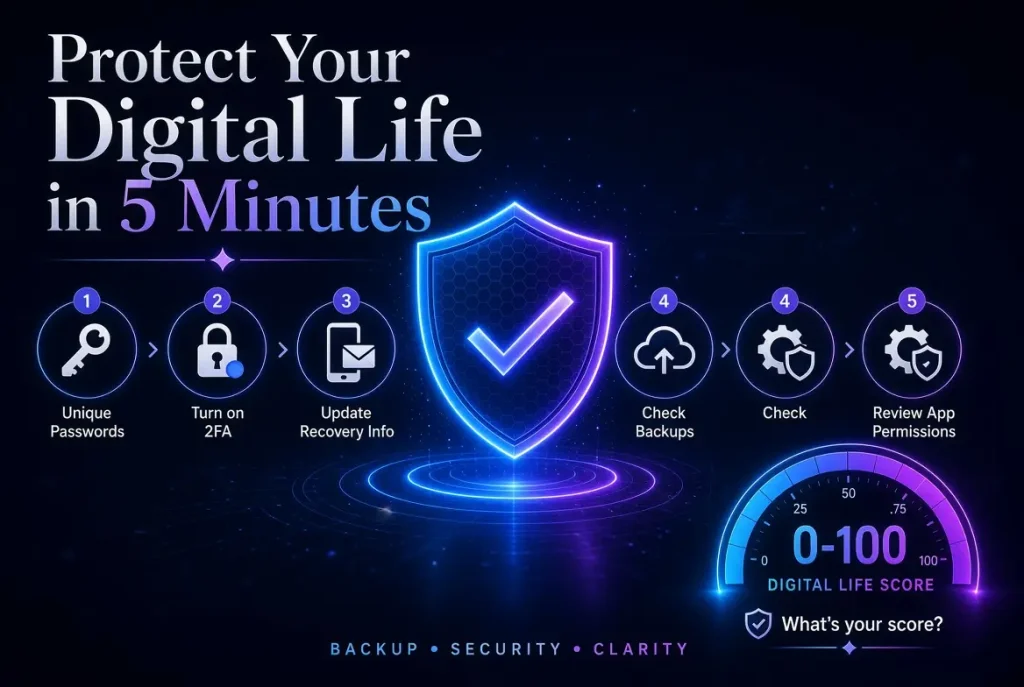
- Use a different password for each important account.
- Enable multifactor authentication where available.
- Keep your recovery email and phone number up to date.
- Check that you can restore essential files from a backup.
Pay special attention to your main email account, as it may be used to recover access to other services.
7. Keep the System Working
Once you have finished the initial cleanup, set aside a little time to keep things organized. Each week, you could sort new downloads, remove unwanted screenshots, or file important documents. You check your subscriptions and backup settings from time to time, and review account security when needed. You can choose a routine that fits your schedule. There’s little point in creating a complicated system if it is too difficult to maintain.
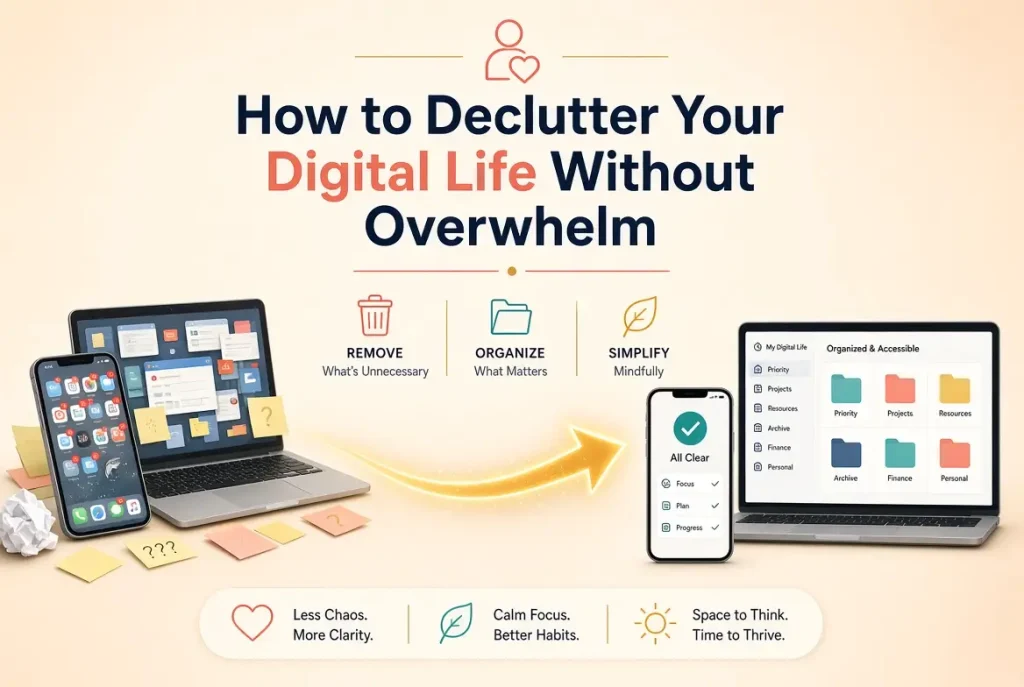
How to Declutter Without Doing Everything at Once
Digital clutter can build up over months or years, so clearing everything in one sitting can feel overwhelming. Choose one manageable task at a time. You might delete old screenshots today, organize work files tomorrow, and review subscriptions later in the week.
Before deleting anything, check whether you might need it again, especially personal photos, receipts, and shared documents. If a device or folder is shared with someone else, ask them before removing files.
Where a Digital Life Analyzer Fits In
You can take a start with Cleaning up digital clutter, but storage, subscriptions, backups, and security also need attention. The Digital Life Analyzer on this website reviews six areas and gives you a Digital Life Score based on your answers.
You can use the results to check areas that need your attention, such as backups or storage. The score is an estimate, not a direct check of your devices or accounts.
Frequently Asked Questions
Can digital clutter affect productivity?
Yes. Some disorganized files and frequent notifications can interrupt your work and make everyday tasks take longer.
Should I use one cloud storage service?
Not necessarily. But you must choose the services that fit your needs and keep track of which files are stored in each one.
How can I stop digital clutter from returning?
You must sort new files regularly and remove unnecessary downloads before they pile up.
What is a digital life score?
It is an estimate of how you manage areas such as devices, storage, subscriptions, backups, and security.
Is deleting unused apps enough?
No. You should also review subscriptions, backups, account recovery details, and security settings.
Final Thoughts
The most important part for Organize Your Digital Life is to start with the things that slow you down. You might need to clear your inbox, sort important documents, or check whether your files are backed up.
You must take these tasks at your own pace and make small changes part of your routine. If you had like to review your setup more broadly, the Digital Life Analyzer can help you identify which areas to focus on first.